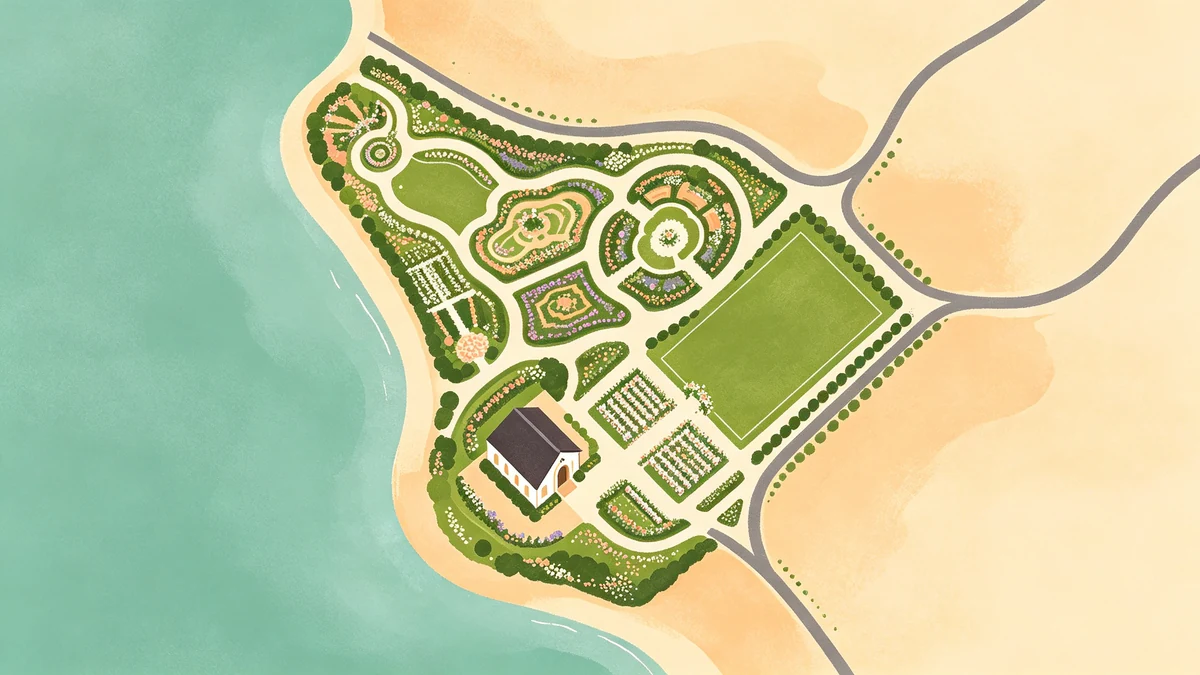
How to Design a Wedding Venue Map Poster
A wedding venue map poster captures the geography of the day: ceremony block, reception neighborhood, or the city that held your celebration. Guests recognize it instantly; you’ll still want it on the wall years later.
Build it in MAPDRAW.APP or adapt templates.
Choose the right crop
- Tight venue neighborhood for guest orientation and keepsakes
- Wider city for destination weddings with skyline/coast recognition (coastal tips)
- Two-city love story if you met elsewhere (anniversary maps)
Privacy: celebrate the area without publishing exact unit numbers.
Color directions that photograph well
Match invitation suites using illustrated map colors. Modern couples often love minimal or soft blush palettes; evening vibes can use dark posters carefully for readability under event lighting.
Layout recipes
Welcome sign
Large size, high contrast titles, names + date prominent (sizes).
Guest favor mini-print
Same art, smaller export; short thank-you on a card.
Home keepsake
Calmer contrast, timeless wording—design this as the “hero” file.
Step-by-step
- Collect venue vibe, suite colors, final print size
- Create project in the editor; lock size first
- Frame geography; simplify with beginner tips and soft land shapes
- Optional subtle venue marker (icons guide)—one is enough
- Typography: names hero, date/place support (labels philosophy)
- Export with print-ready settings
Pair with other story maps
Honeymoon collage: travel footprint or family/multi-trip layouts later. Proposal walk: route/road-trip techniques.
FAQ
How early should we design?
Two to four weeks before print deadlines is comfortable—longer for bulk favors.
Can parents get different cities?
Yes—matched diptychs look intentional when typography matches.
Matte or glossy?
Matte usually wins for events and home hanging—less glare in photos.
Keep exploring on MAPDRAW.APP
Ready to design? Open the map editor, browse templates, or check pricing.