Create beautiful hand-drawn maps in your browser
MAPDRAW.APP is a zero-learning-curve map editor. Drag assets from the library, draw land and roads, manage layers, and export — start locally without signing in, or sign in to save and sync projects online.
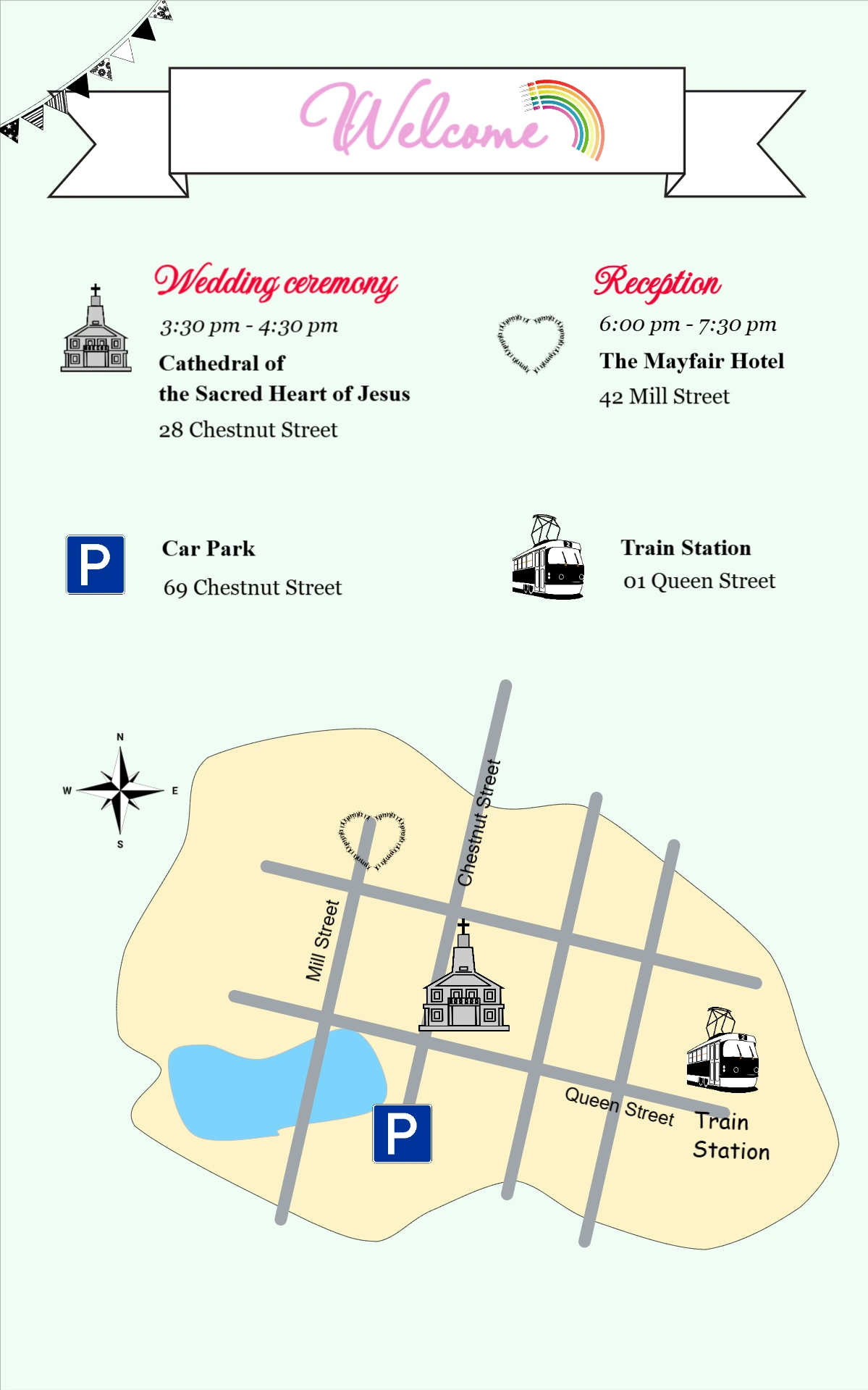
Design templates
Browse free hand-drawn map templates for wedding venue maps, travel footprint posters, hiking routes, and fantasy city maps. Open in MAPDRAW and customize in minutes.
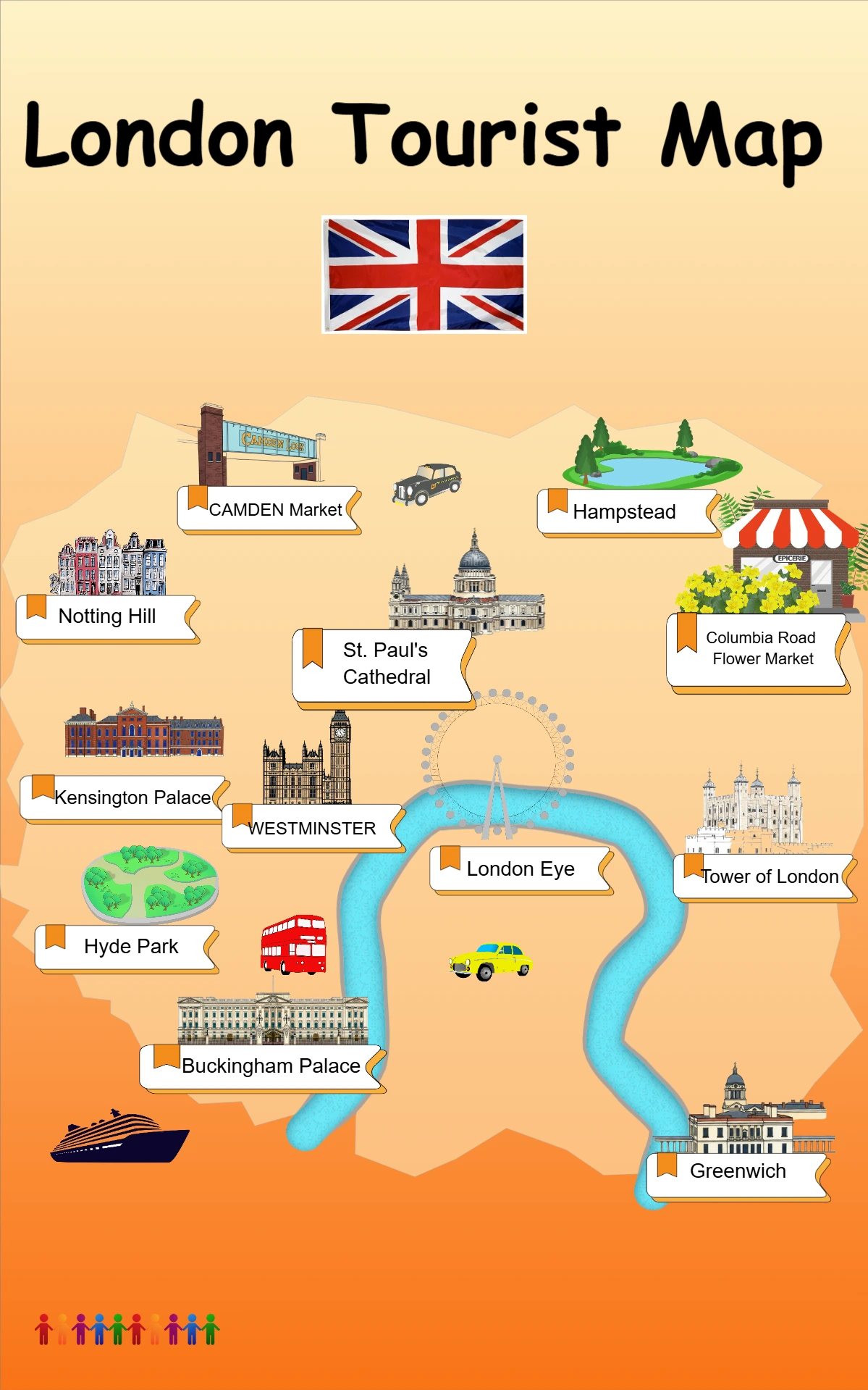
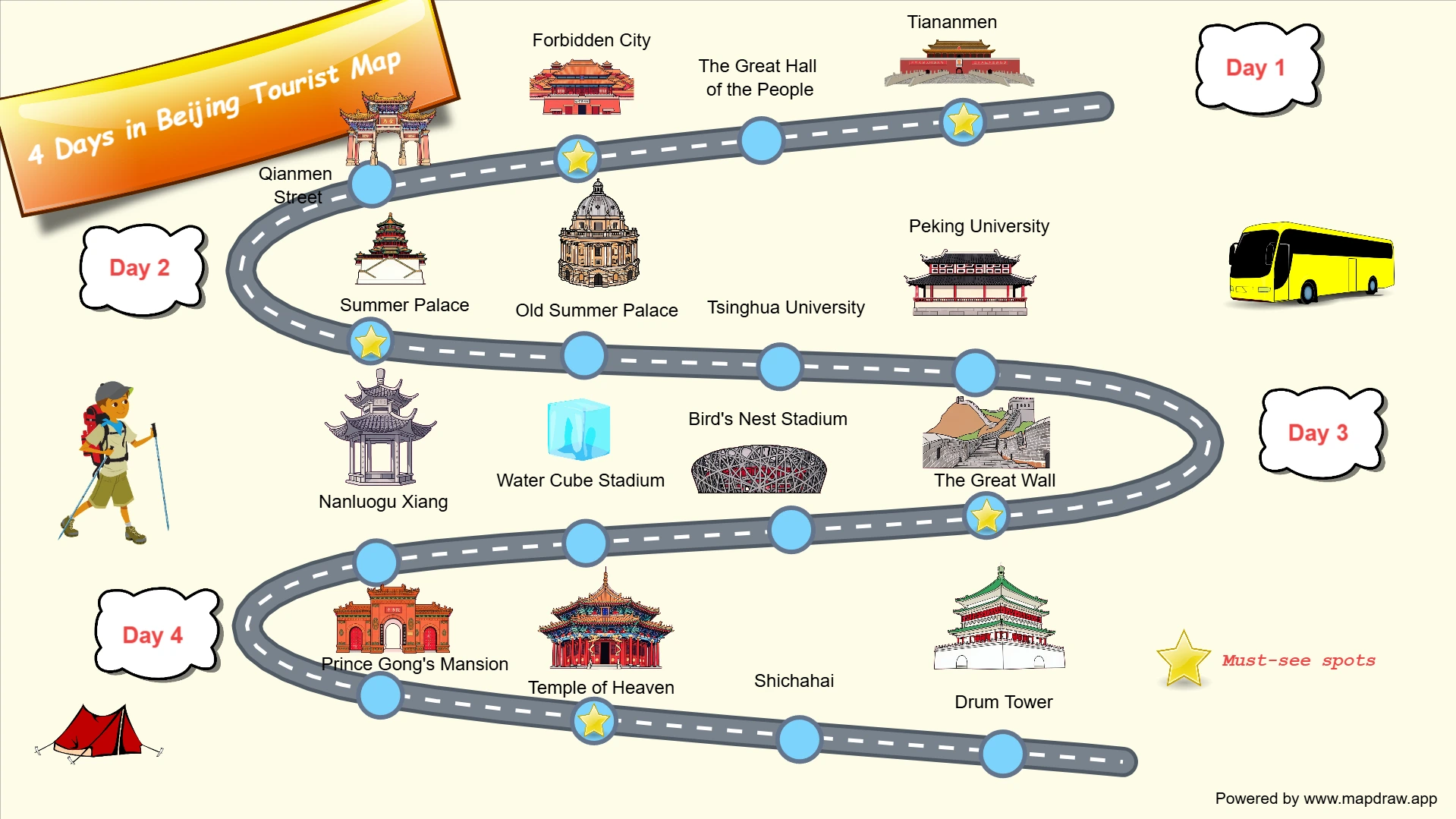
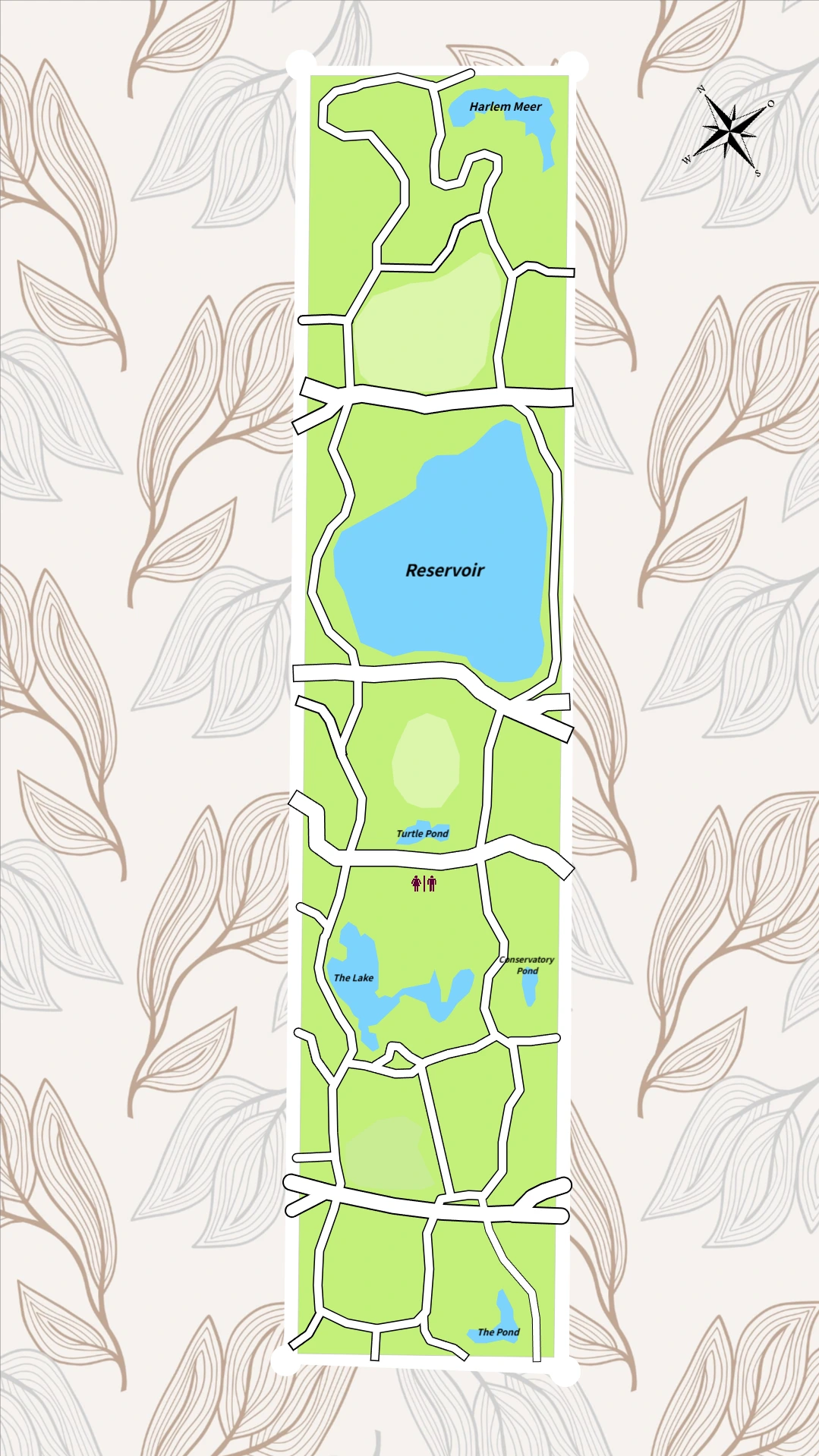
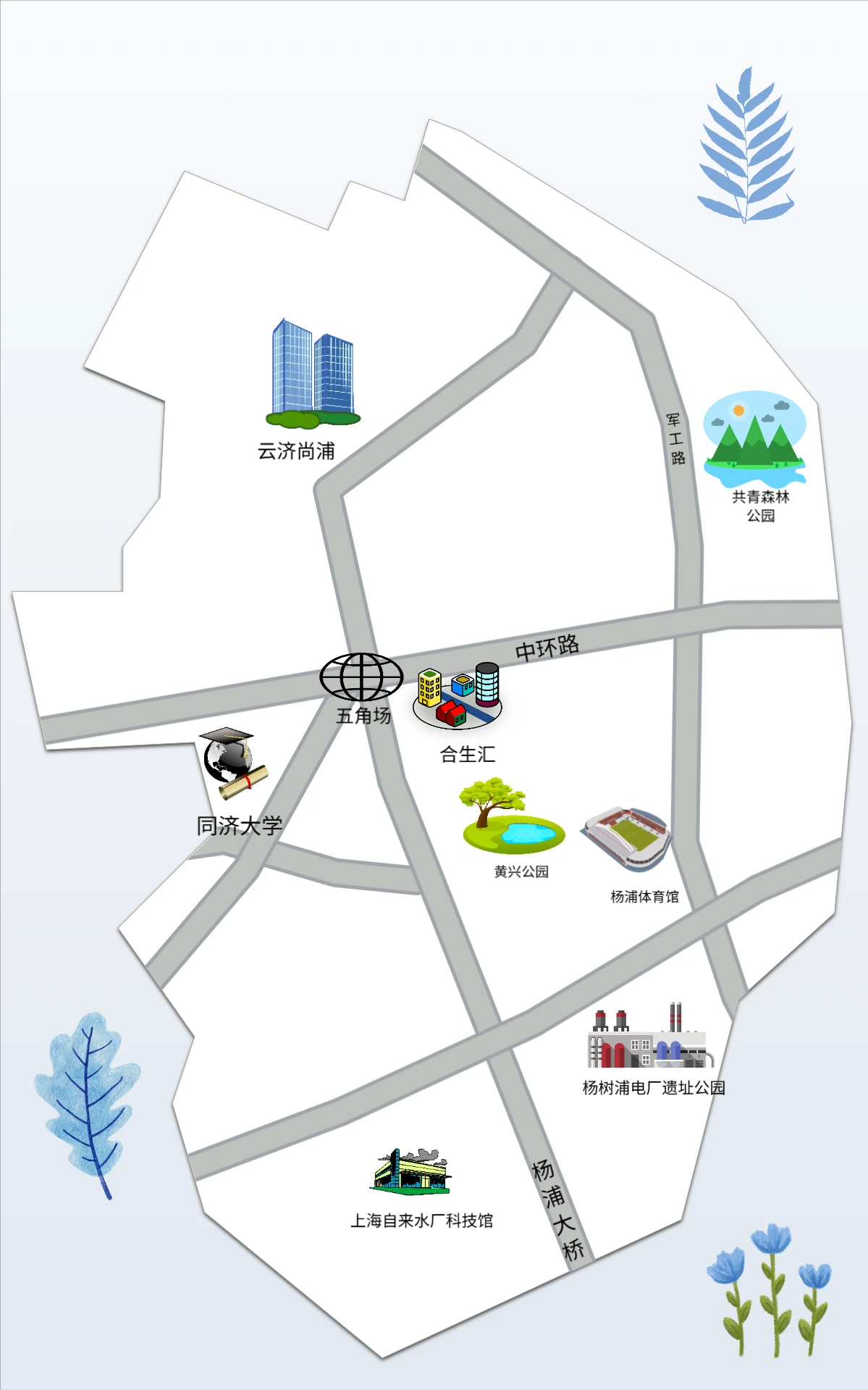
From blank canvas to finished map
A focused editor for fantasy worlds, game maps, teaching diagrams, and illustrated base maps — without complex GIS software.
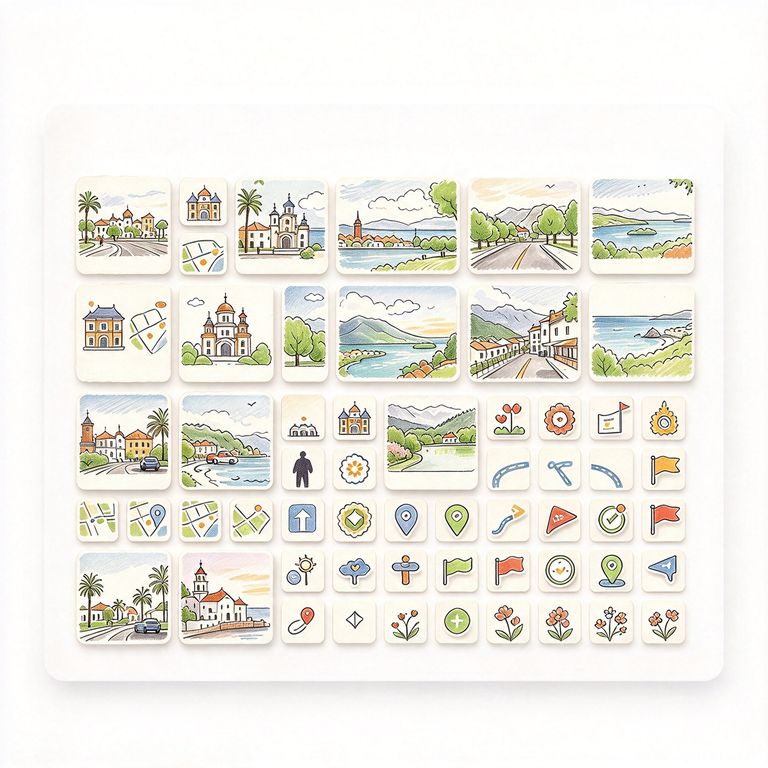
Asset Library
Drag mountains, trees, buildings, and icons onto the canvas.
One-click placement
Click or drag resources to add them instantly.
Rich categories
Terrain, vegetation, structures, and decorative elements.
Resize & rotate
Adjust scale and angle after placing any asset.
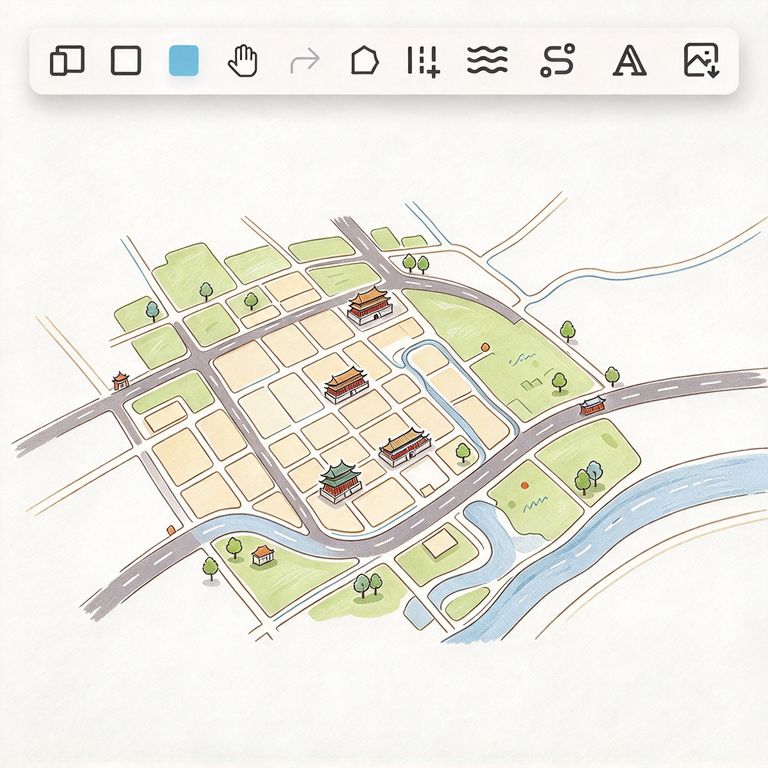
Drawing Tools
Draw land, roads, rivers, and text directly on the canvas.
Land & water
Freehand regions with fill and stroke controls.
Paths & roads
Smooth curves for routes, borders, and rivers.
Labels
Add place names and notes with customizable text.
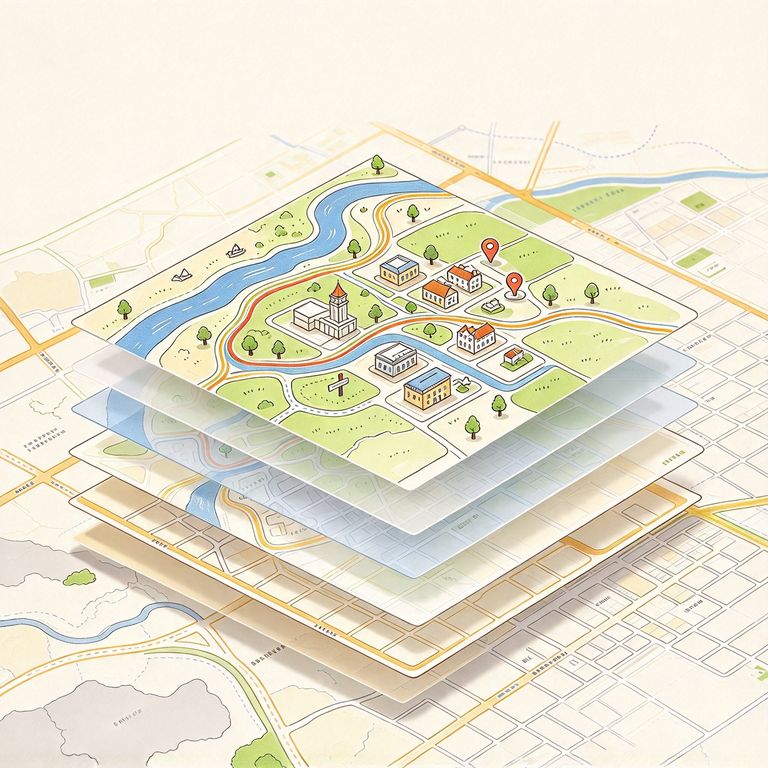
Layer Management
Organize every object in a clear layer stack.
Reorder & group
Move layers up or down to control what appears on top.
Show / hide
Toggle visibility while you refine different areas.
Lock layers
Prevent accidental edits while you work elsewhere.
Local Mode
Open the editor and start drawing — no account required.
Instant access
Go to /local and begin on a fresh canvas immediately.
Browser storage
Your work is saved locally in your browser.
Try before signup
Explore the full editor before creating an account.
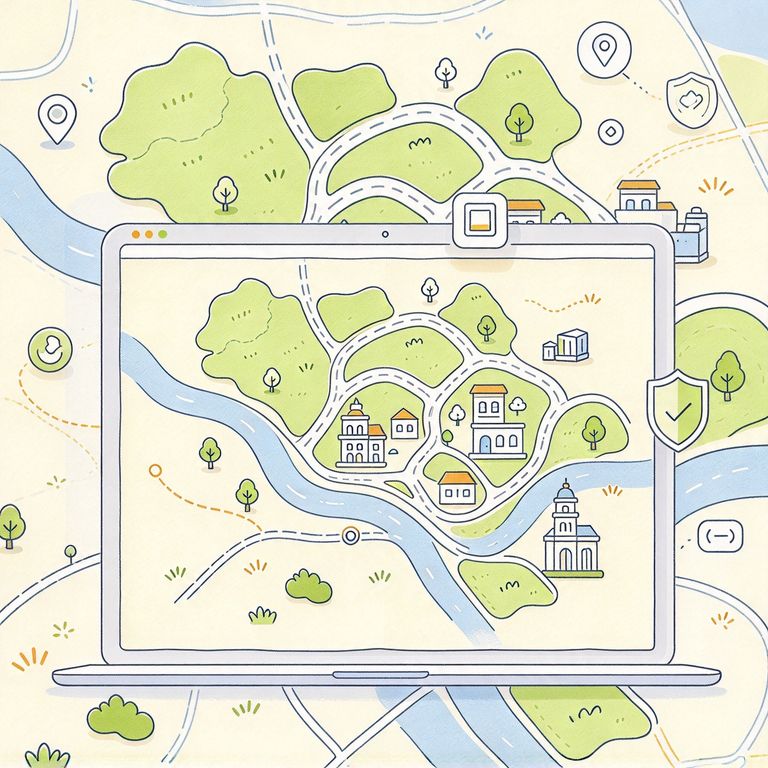
Online Projects
Sign in to save, sync, and manage maps across devices.
Project dashboard
View and open all your maps from one place.
Auto-save
Changes are persisted so you can pick up where you left off.
Shareable links
Open any project by ID for collaboration or review.
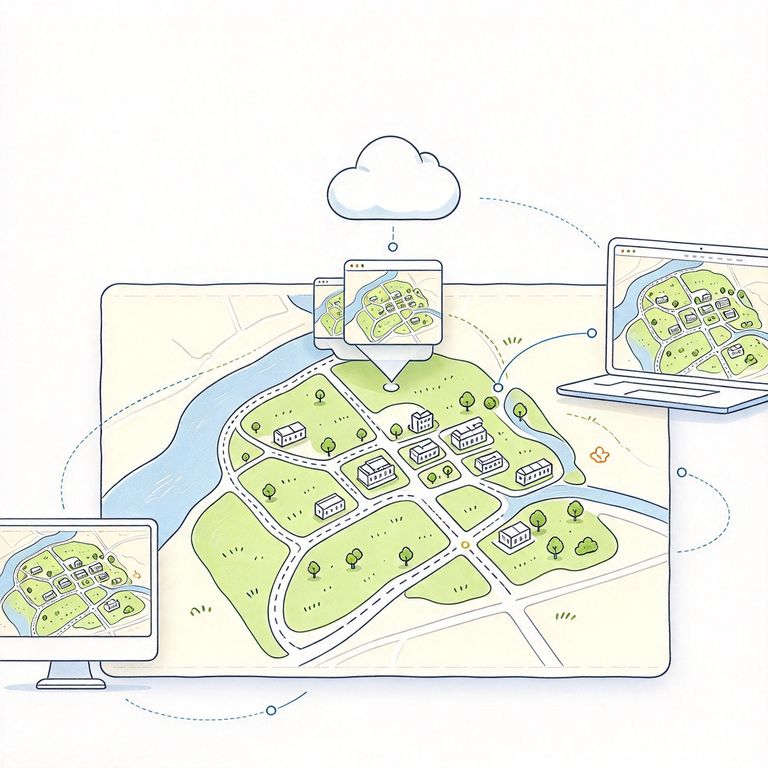
Export & Canvas Controls
Pan, zoom, and export your finished map.
High-quality export
Download your map as an image for print or sharing.
Zoom & pan
Navigate large maps comfortably while editing details.
Undo-friendly workflow
Iterate quickly with a non-destructive editing flow.
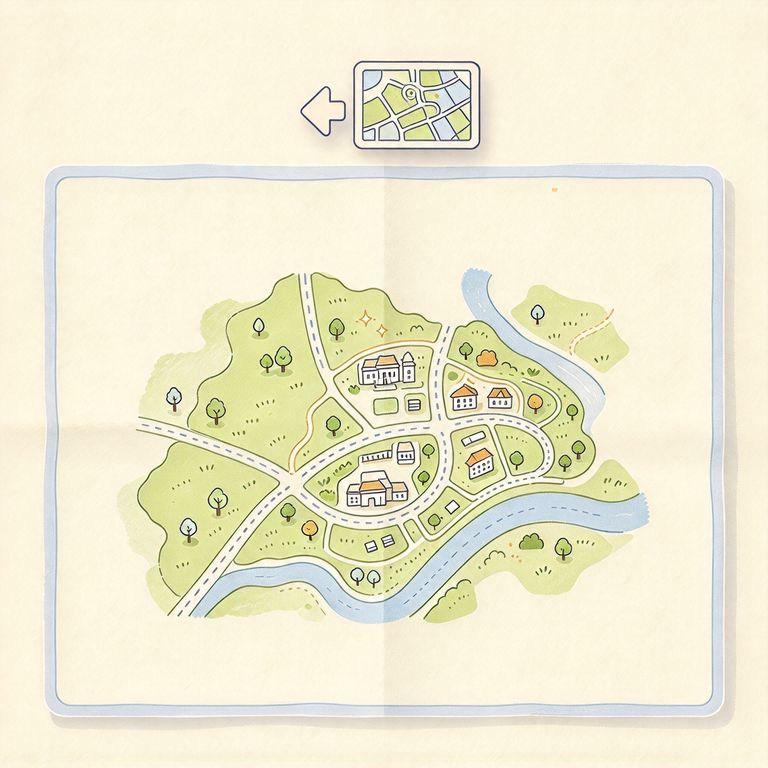
One tool, many kinds of maps
Whether you are world-building, teaching, or planning a game level, MAPDRAW.APP adapts to your creative workflow.
Fantasy & RPG World Maps
Build continents, kingdoms, and dungeons for tabletop RPGs and fiction. Combine hand-drawn terrain with a rich asset library for a distinctive illustrated look.
Game Level & Scene Layouts
Sketch overworld layouts, town plans, and encounter maps for indie games or prototypes. Iterate fast without leaving the browser.
Education & Presentations
Create geography diagrams, historical maps, and classroom visuals. Layers and labels help you build clear, teaching-friendly illustrations.
Illustrated Base Maps
Design stylized base maps for blogs, newsletters, or brand storytelling. Export and drop them into any content workflow.
Simple pricing for creators and teams
Start for free in local mode. Upgrade when you need online project sync, more projects, and premium features.
Mapdraw Pro
Unlock AI, 5GB upload storage, Pro resource library, and all premium design features.
- Cloud project save & sync
- 5 GB upload storage (Free: 200 MB)
- Pro curated map assets
- Monthly AI credits (per plan)
- Export without watermark
Loved by map makers
Creators use MAPDRAW.APP for quick sketches and polished illustrated maps.
- 5.0
I needed a fantasy map for my campaign in an afternoon. Local mode let me start immediately — no signup friction — and the asset library saved hours of drawing from scratch.
Michael Chen, TTRPG DM
- 4.8
Our indie team uses it for level layout drafts before art production. Layers and export make it easy to hand off references to the illustrator.
Sarah Johnson, Game Designer
- 5.0
课堂上做区域示意图很方便,拖拽资源加手绘地块,比传统 GIS 工具轻量太多。学生几分钟就能出一张能看的地图。
Kang, Geography Teacher
Frequently Asked Questions
Common questions about MAPDRAW.APP and how to get the most out of the editor.
Start your next map in minutes
No install, no steep learning curve. Open the editor, drag a few assets, draw your first region — and export when you are done.
Trusted by creators, educators, and game makers